Hallmark: A Design Skill That Checks Whether Your AI-Built Website Actually Works
Install Hallmark for Claude Code or Codex, review a realistic frontend demo, and learn which AI-built website checks still need browser verification.
AI coding assistants can produce a landing page in minutes. The first version often looks convincing, but basic checks reveal issues: a primary button goes nowhere, phone layouts overflow, or keyboard focus disappears.
Hallmark is a design skill for AI coding assistants. Its repository documents visual guidance and a checker called sloplint. I wanted to see how its approach could fit into a practical frontend review workflow.
Install Hallmark
You'll need Node.js and a supported coding assistant. The repository documents Claude Code, Codex, Cursor and OpenCode. For Codex:
npx skills add nutlope/hallmark --agent codexFor Claude Code:
npx skills add nutlope/hallmark --agent claude-codeIn Codex use $hallmark; in Claude Code use /hallmark. These are commands to the coding assistant, not shell commands. Check the repository's README if the installer syntax changes.
Build a page with one clear task
I created a fictional B2B signal-review page called Signal Ledger. A user can read a sample hiring signal, open the supporting evidence and see why a Salesforce administrator job advertisement does not, by itself, establish that the company currently uses Salesforce.
Here's a prompt to try after installation:
$hallmark Build a single-page website for Signal Ledger, a fictional B2B signal-review tool. The visitor should open a sample signal and see exactly what the source supports. Use a restrained editorial visual style. No invented testimonials, customers, metrics or fake forms. Keep the primary action visible on desktop. Check mobile widths, keyboard focus and reduced-motion settings.Useful safeguards in the demo
The example has an anchor that points to an actual evidence section. Rather than showing a nonfunctional sign-up form, the primary action navigates to useful content. The CSS includes a visible focus outline and respects reduced-motion preferences.
a:focus-visible {
  outline: 3px solid #bc6c25;
  outline-offset: 4px;
}
@media (prefers-reduced-motion: reduce) {
  html { scroll-behavior: auto; }
  .button { transition: none; }
}
I rendered this fictional HTML demo in Chromium at 1280px desktop and 390px mobile widths. Both captured views had no detected horizontal overflow. Those were genuine browser renders of the demo, not Hallmark-generated redesigns or Hallmark audit reports.
Run an audit instead of redesigning immediately
Hallmark's repository documents an audit workflow that examines an existing page. In a supported assistant, try:
/hallmark audit ./index.htmlFor Codex, use the equivalent $hallmark audit ./index.html instruction. The repository also documents a browser checker script. After locating the installed skill's script, you can run:
node <path-to-hallmark>/scripts/sloplint.mjs ./index.html --renderThe rendered check requires compatible browser tooling, including Chrome and puppeteer-core. To install that package globally:
npm install -g puppeteer-coreExamples from the Hallmark project
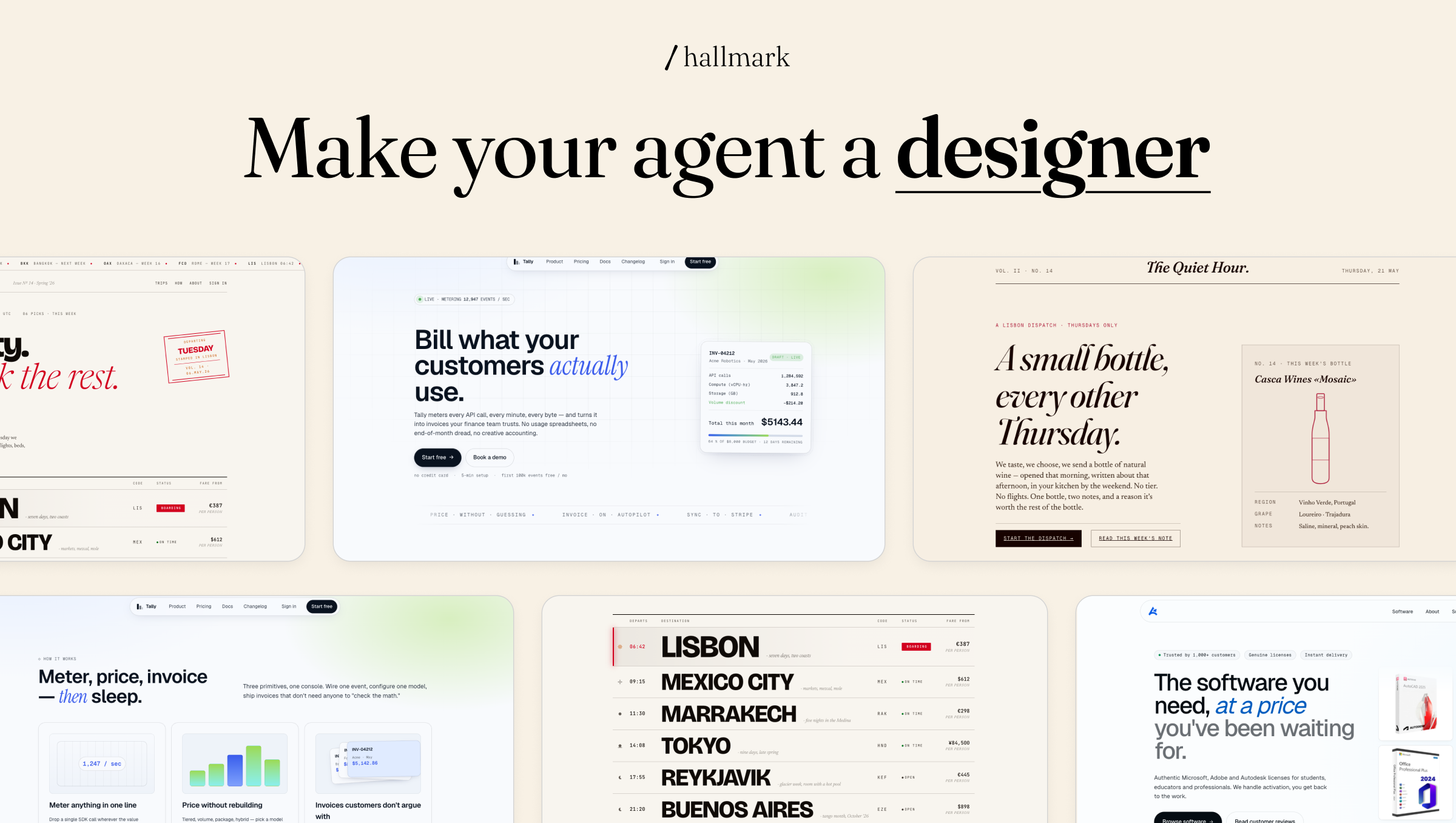
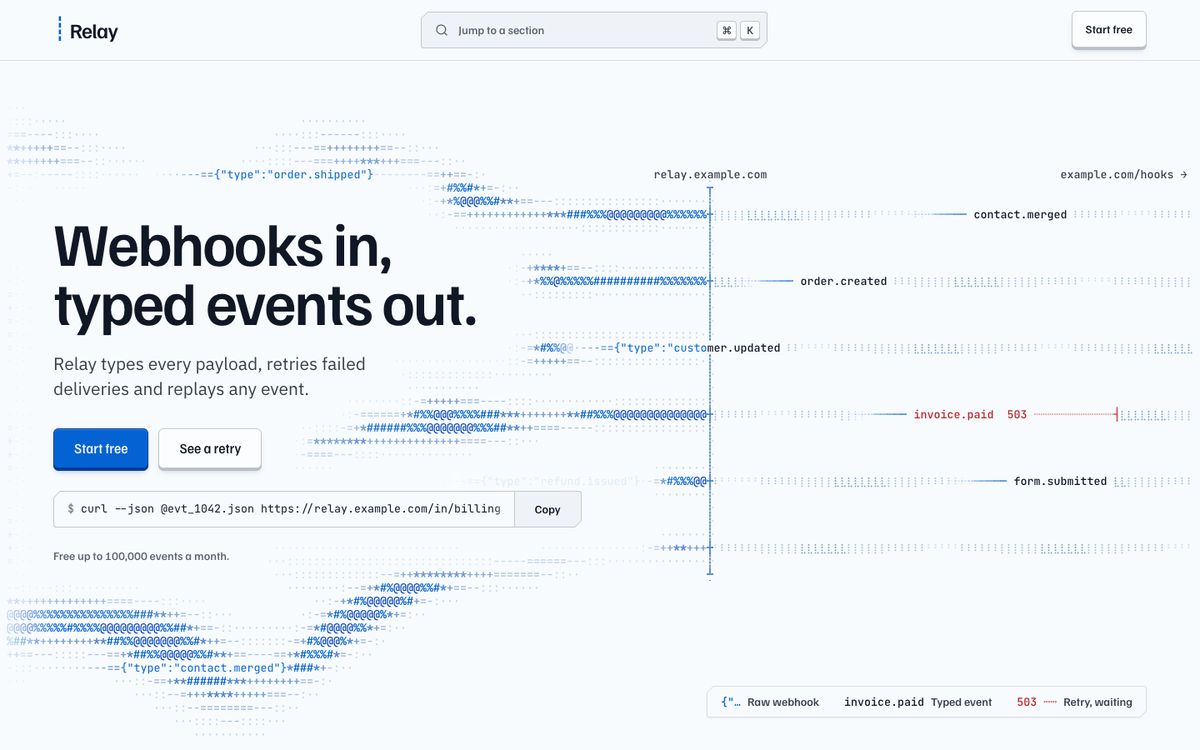
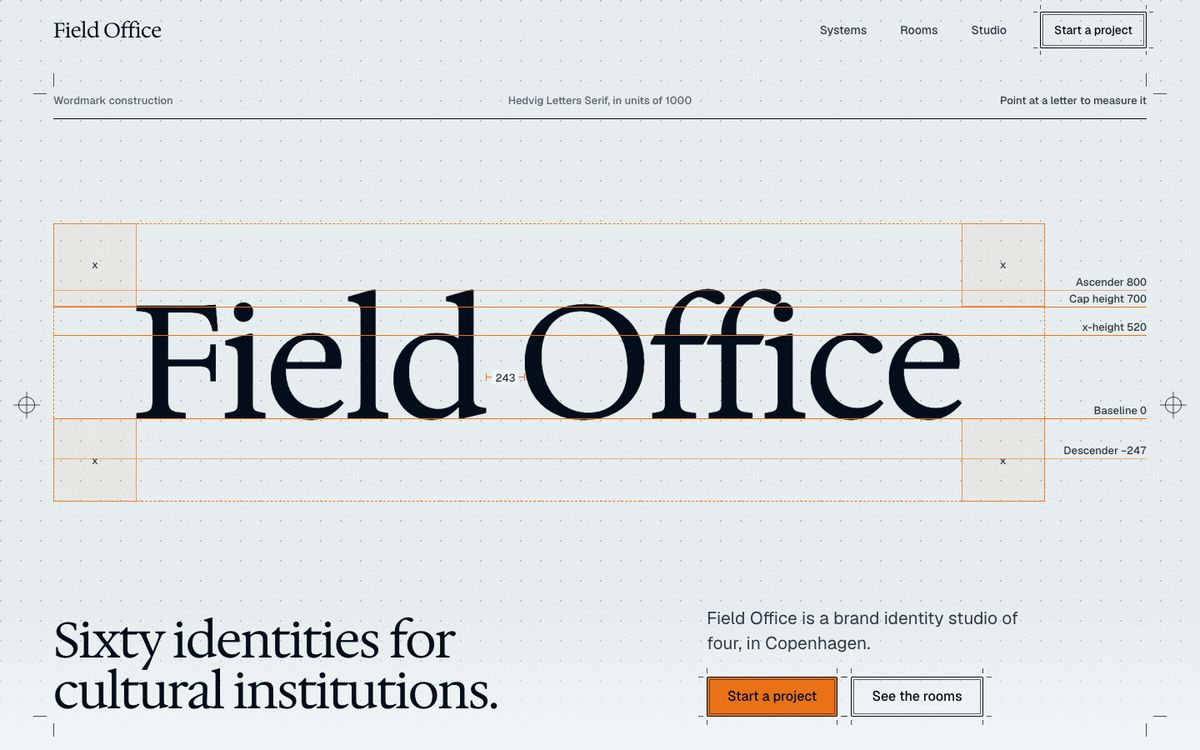
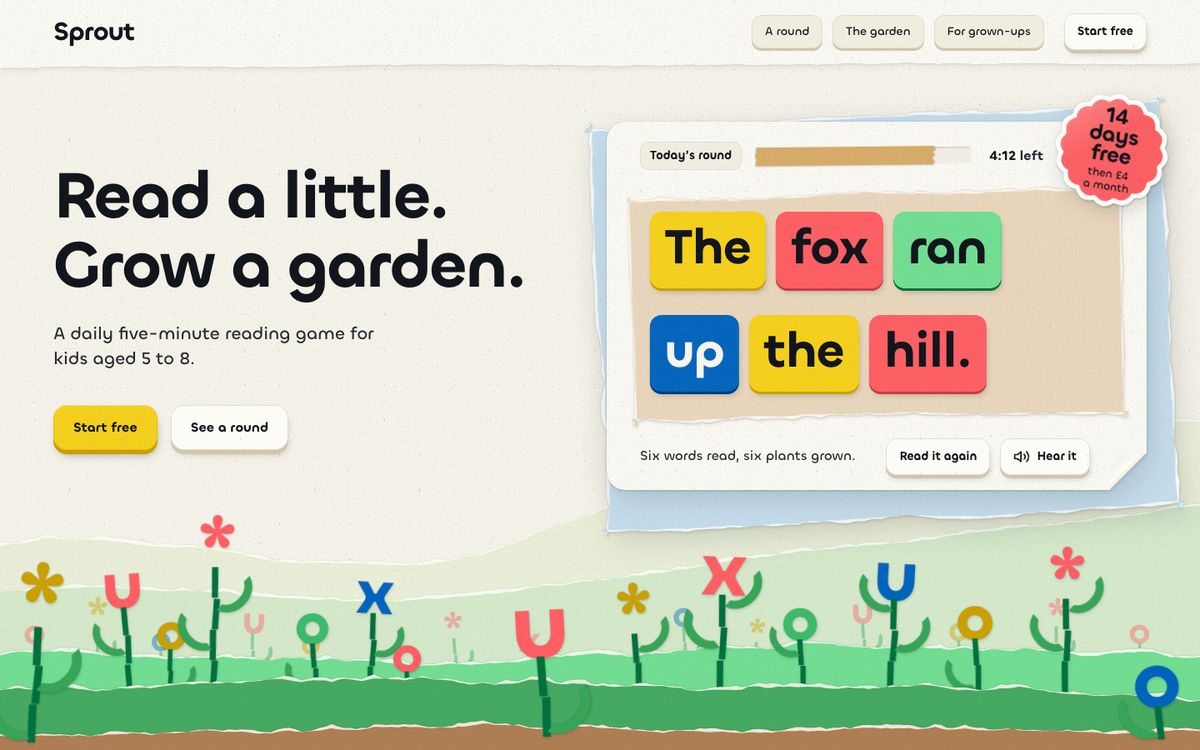
These are screenshots published by Hallmark's maintainers to demonstrate its themes, not screenshots generated by my Signal Ledger test.
What I would check before shipping
My first review would be fairly mundane. Does the primary action work? Does the page remain usable at phone widths? Can someone navigate it by keyboard? Did the agent preserve links, form behavior and existing routes? Did it invent social proof to fill an empty design?
On a production site, I'd keep the current page as a baseline, ask for an audit, fix issues one by one and review the visual changes separately. A design skill can encode useful conventions, but it still needs to work within the product's existing design system.
For a small team shipping product pages frequently, a repeatable screenshot-and-audit pass is more valuable than a single impressive AI-generated mockup. Start with one low-risk page, measure what the checks catch and decide whether the process should become part of your release workflow.
References and verification
Hallmark source repository and README
Verification: A local static validator passed, and the fictional demonstration page was rendered in Chromium at desktop and mobile widths. Hallmark itself, its installation and its audit checker were not executed in this environment. The browser screenshots are retained separately and are not presented as Hallmark output.
Stay in the loop
Get notified when I publish new articles and projects.