DeepSeek Super-agent is a router for coding work
DeepSeek Super-agent is a research prototype for a proactive GitHub coding agent on DeepSeek Harness. Here is what the open docs say it is, and is not.

Head of Product at Sprouts.ai
DeepSeek Super-agent is a research design for a proactive coding agent that stays online for one GitHub repository, takes requests only from people the team allows, and hands each piece of work to an isolated worker session. The public code is deepseek-ai/dsh-superagent-prototype, an MIT-licensed TypeScript bundle for DeepSeek Harness. The README says it is a research prototype for reference only, not an official DeepSeek product, and that it differs from the internal version described in the design article Exploring Super-agent Design: Towards a More Autonomous Agent System.
When I checked the GitHub API on 6 Nov 2026, the prototype had 19,571 stars and 2,241 forks. The package version in the repo is 0.1.0. This post is an overview from the official README, SETUP and numbered docs, plus public reporting on the DeepSeek Harness team announcement. I have not installed DeepSeek Harness or run the agent against a live repository.
What problem is it trying to solve?
The philosophy document puts the goal in one line: take as little human attention as possible, and give as much value as possible. An agent that can act for a whole team can also waste a whole team's attention, so it acts only when asked or when a written team rule allows it, and speaks only when someone must act or can use a result.
That rule set is concrete. Confirm a request once and name what it will do. Stay quiet while working. Write again when a result is ready, when a decision is needed, or when it cannot finish. Ask one concrete question at a time. Stop by impact, not by effort: a local change goes as far as a reviewable result; a design decision stops with a clear question. Operators are told to start with a short allowed list, keep proactive work in observe mode first, tune for less noise, and own what the agent posts under team accounts.
Contemporary reporting on the DeepSeek Harness team post framed the same limit in everyday terms: a person can typically keep track of only a few active agent conversations at once, so Super-agent tries to move coordination and context sync from the human into the system.
How is the public prototype put together?
dsh-superagent listens to GitHub and optionally Feishu. When someone on the allowed list asks for work, it opens a Ticket, works on it in its own DeepSeek Harness session and directory, and answers in the original conversation, for example with a pull request. A web panel shows what needs a person.
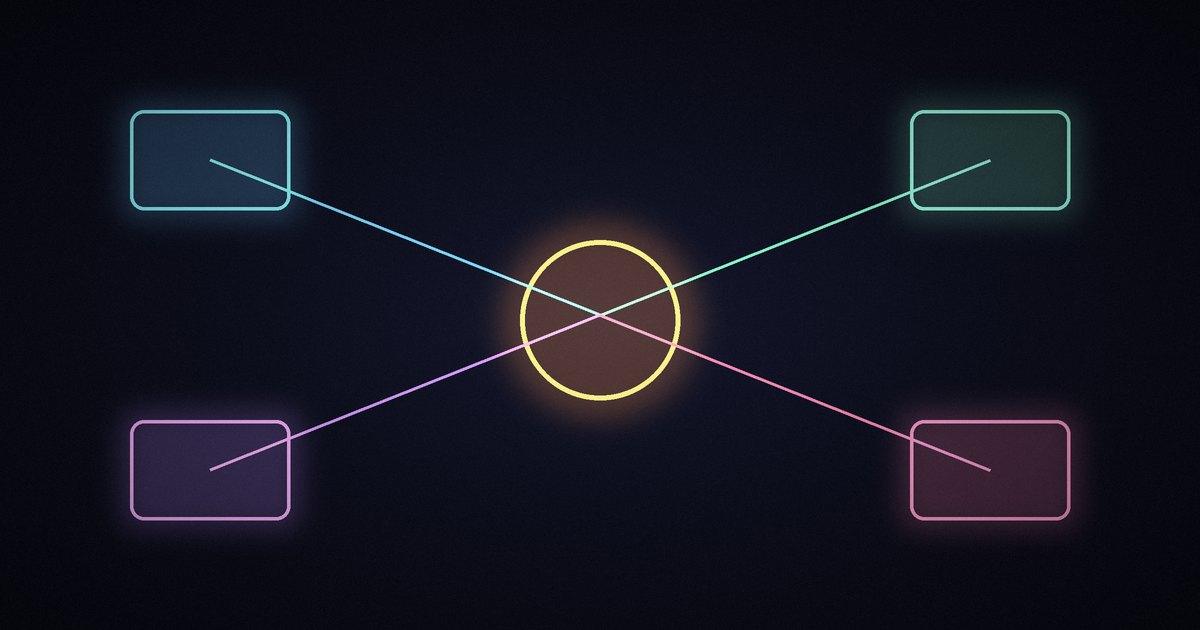
The domain model in docs/001-domain.md is stricter than a chat wrapper. Sources emit Triggers into Threads. Eval decides, under a versioned Policy, whether a Trigger becomes authorized work. A Mandate records why the work is allowed. A Ticket owns that work; Assignments bind it to an Executor. Subscriptions let later messages on related Threads reach the Ticket without a new Eval. The Executor sits outside the domain and connects through Assignments.
| Piece | Role |
|---|---|
| Source | Event stream (GitHub, optional Feishu) |
| Eval + Policy | Decide whether a request becomes work |
| Ticket + Mandate | Authorized unit of work and why it is allowed |
| Executor Session | Isolated DSH worker session and directory per Ticket |
| Main / router Session | Coordinates; smaller tool set for routing |
| Panel | Shows only items that need a person |
Execution docs name the presets explicitly: each Ticket gets an Executor Session worker- with the dsh-superagent-worker preset, and the main Session uses dsh-superagent-router with a smaller tool set. Shell commands move to background jobs after five seconds so a worker can take new messages instead of blocking on a long command. Ticket stages on the panel include queued, working, awaiting answer, awaiting review, blocked and failed. A person stage means the Ticket cannot continue without human input.
The README warns that some designs in the article are future directions and are not implemented in this prototype. I treat the numbered docs in the repo as the ground truth for what this release defines.
What do you need to run it?
SETUP.md is written for a coding agent to run with the operator. The probe expects Node.js 22.19+ or 24+, pnpm, git 2.32+, tmux, Python 3.8+, GitHub CLI 2.48+, and DeepSeek Harness in the engines.dsh range from package.json (currently ^0.2.1-alpha.2). DSH also needs a configured model provider.
Setup asks which repository to attach, which dedicated GitHub account the agent should post as, who may request work, where Ticket checkouts live, commit identity and whether auto-merge is allowed. Secrets stay out of chat: the operator creates accounts and signs CLIs in their own terminal. Defaults include a separate DSH profile named superagent, port 3082, branch prefix agent/, and accept mode observe so proactive work is recorded before it is allowed to act.
Workers run commands as the operator's OS user. The docs are clear that wrappers and path defaults are not a security boundary. Untrusted workloads still need a container or VM. A full hands-on write-up here would need that stack installed, an agent GitHub account on a real repo, a clean scripts/dsh-superagent status, and at least one allowed mention that opens a Ticket. That run is not on my machine yet.
Where does this sit next to other harnesses?
DeepSeek Harness itself is the broader open-source desktop and web runtime (public preview, plugin-based on Cordis). Super-agent is one bundle on top of it, aimed at repo-scoped, multi-ticket coding work for a team. That is a different job from a minimal local CLI loop like shim, from a decision-card background hub like agent-autoloop, or from async coding workspaces like Kiro Crew and YC QM. The shared theme with harness engineering is the same: the model is not enough; you need policy, isolation and a way to spend human attention only when it pays.
What this means for product and GTM teams
The useful idea here is not "more agents." It is an org chart for agents: one face to the team, isolated workers, a panel that only shows blockers, and a policy that says who may ask. If you are designing any multi-agent coding product, steal the attention rule before you steal the router diagram. Noise is the failure mode.
I would not put the prototype in front of a customer team as-is. The authors say that themselves. I would put the docs in front of anyone writing agent policy, ticket lifecycle or "when to ping a human" rules.
Frequently asked questions
Is Super-agent an official DeepSeek product?
No. The prototype README says it is research code for reference only, not an official DeepSeek product, and not identical to the internal system in the design article.
What is the difference between DeepSeek Harness and Super-agent?
DeepSeek Harness is the open-source agent runtime (desktop and web, plugins). dsh-superagent is a Harness bundle that turns that runtime into a proactive coding agent for one GitHub repository.
Does it only work with GitHub?
GitHub is the primary Source. Feishu chats are optional. The cookbook doc covers adding further Sources.
How do you try it?
Install DeepSeek Harness, follow SETUP.md with a coding agent, then from an allowed account comment @ on a repository issue. The docs say a Ticket should appear on the panel within about a minute. I have not completed that path myself.
What license is the prototype under?
MIT, per the repository and package.json.
Sources
- deepseek-ai/dsh-superagent-prototype (MIT; 19,571 stars and 2,241 forks when I checked on 6 Nov 2026)
- Prototype README (research disclaimer, Harness bundle summary)
- SETUP.md (prerequisites and operator flow)
- Numbered docs 000-008 (philosophy, domain, authorization, execution, panel, deployment)
- DeepSeek Harness (public preview runtime Super-agent plugs into)
- Lianhe Zaobao report on the Super-agent architecture announcement
- Related: Learn Harness Engineering

Kartikay Dhar
Head of Product at Sprouts.ai, where he leads One Platform, Sprouts Data Universe and the Sprouts MCP. On Instagram he shares one free GitHub repo a day.
Related articles
ui-diff tested: visual QA that caught a contrast bug
I ran ui-diff on a two-page demo. It caught a 1.91:1 contrast drop, and Cursor's agent correctly explained a misleading focus-order note.
agent-dream tested: AI memory that cites its sources
I ran agent-dream, a free MCP server that turns past coding chats into memory pages. Each fact cites its messages, and a fake citation was rejected.
n8n's Nod: a personal agent that must quote you first
Nod is n8n Labs' free, open-source personal agent. Before it sends or pays, a checker must quote your words. Here is how it works and what it costs.